
1. Click the Share Screen button located in your meeting controls.

2. Select the screen you want to share.
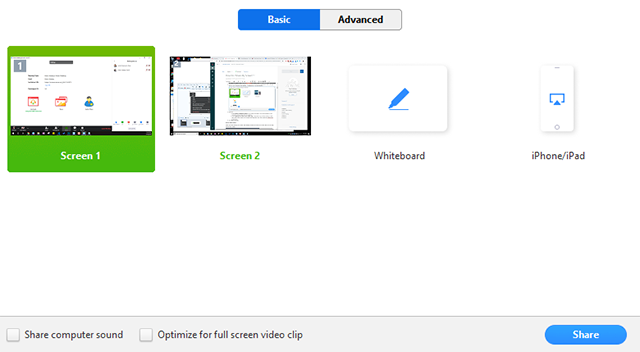
3. (Optional) Enable these features:
Check Share Computer Sound: If you check this option, any sound played by your computer will be shared in the meeting.
4. Click Share.